
Wan 2.7 Handbag Clasp Opening Product Video Prompts
Animate one controlled handbag clasp action while preserving hardware geometry, leather, stitching, flap alignment, interior truth, and product condition.
Quick answer
Use a sharp authorized photo or short source sequence showing the exact clasp type, hinge or pivot, latch direction, flap, leather tension, stitching, edge paint, hardware finish, and any interior that may become visible. Animate only one verified release, turn, lift, or snap action, then hold. If the first frame does not document the opened state or hidden interior, stop before exposure rather than letting the model invent construction or contents.
Who this guide is for
Handbag brands, leather-goods studios, marketplaces, product photographers, and editors creating tactile closure details from exact approved SKU references.
Recommended model
| Use case | Recommended model | Why |
|---|---|---|
| This workflow | Wan 2.7 image-to-video for one bounded clasp movement | A short source-led mechanical action can highlight hardware tactility while explicit locks protect the surrounding leather, flap, stitching, and product geometry. |
AIBase is an independent creative platform. Model names are shown only to identify supported underlying technologies and workflow choices.
Prompt template
Animate the uploaded authorized handbag photo as the exact first frame. Motion only: the existing [turn-lock / push-lock / magnetic tab] at [location] performs the verified action [angle, direction, travel] over [duration], the flap moves only [documented distance] if supported, then holds. Preserve exact SKU, bag silhouette, flap alignment, clasp body, latch, pivot, screws, plate, hardware finish and reflections, leather grain and tension, stitching, edge paint, piping, strap, handle, feet, logo and label zones, interior visibility, shadow, camera, crop, and light. No hand, extra hardware, changed mechanism, wide opening, invented interior, contents, logo mutation, scratch repair, text, sound, or watermark.
Step-by-step workflow
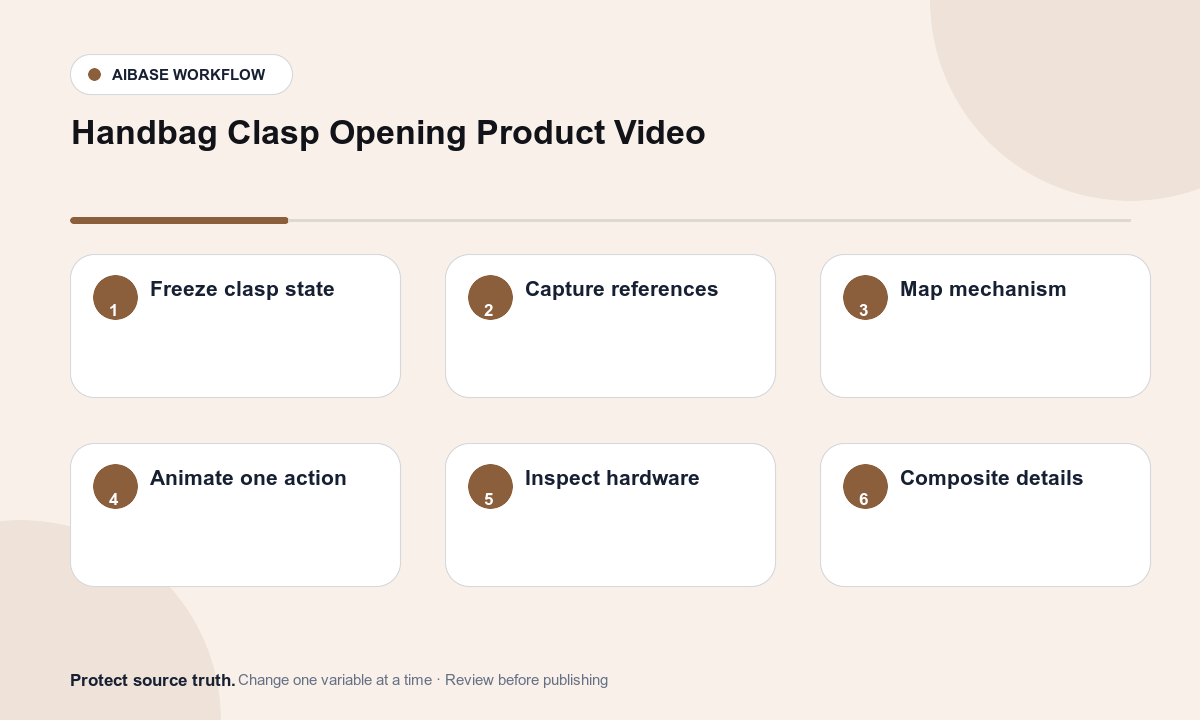
- Freeze SKU, clasp mechanism, opening direction, angle and travel, flap range, interior visibility, included parts, condition, product revision, rights, and claim limits.
- Capture approved closed, partial, open, side, hardware macro, hinge, interior, finish, strap, and scale references without hiding the latch path.
- Map clasp axis, moving part, fixed plate, clearance, flap tension, occlusion, reflection, and stable endpoint; select one action only.
- Generate a locked-camera macro that stops before any undocumented interior or structure becomes visible.
- Inspect every frame for duplicated hardware, moving screws, broken pivot, wrong latch direction, warped flap, changing leather grain, stitch drift, reflection jumps, and invented contents.
- Composite the exact product plate if needed and add verified closure, material, dimensions, capacity, care, price, availability, disclosure, and CTA separately.
Example prompt variants
- Four-second macro: the approved gold turn-lock rotates exactly ninety degrees clockwise and stops, preserve plate, screws, reflections, black leather grain, stitching, flap, logo zone, and locked camera.
- Three-second push-lock detail: the existing central button moves inward a few millimeters and returns, bag and flap remain closed, preserve hardware geometry, edge paint, shadow, and no hand.
- Five-second magnetic-tab plate using documented open reference: the tab lifts two centimeters and holds without exposing more interior, preserve magnet position, leather tension, lining edge, clasp, stitching, and crop.
Quality checklist
- SKU, silhouette, flap, clasp type, latch, pivot, plate, screws, finish, leather, stitching, edge paint, strap, handle, and interior match approved references.
- Movement axis, angle, travel, clearance, occlusion, reflections, leather tension, flap response, and endpoint are mechanically plausible.
- No extra hardware, moving screw, broken hinge, warped flap, invented lining, hidden pocket, contents, or condition improvement appears.
- The clip does not imply security, durability, capacity, ease of use, authenticity, included items, or warranty without evidence.
- Truth sheet, source set, motion map, prompt, frames, product review, composite, approval, and export remain traceable.
Mistakes to avoid
- Prompting the bag to open fully from one closed image and forcing the model to invent the interior and hinge behavior.
- Adding a hand while also moving reflective hardware, flexible leather, straps, flap, and camera.
- Letting the clasp rotate around the wrong axis, duplicate, lose screws, change finish, or detach from the leather.
- Using a smooth generated action as proof of security, quality, durability, authentic hardware, or one-handed operation.
Related AIBase pages
Practical next step
Open the most relevant AIBase generator, run one narrow prompt first, and save the best result before adding more constraints. The fastest way to improve output quality is to compare one variable at a time: subject, camera, background, lighting, then final polish.