
Wan 2.7 Mechanical Pencil Click Product Video Prompts
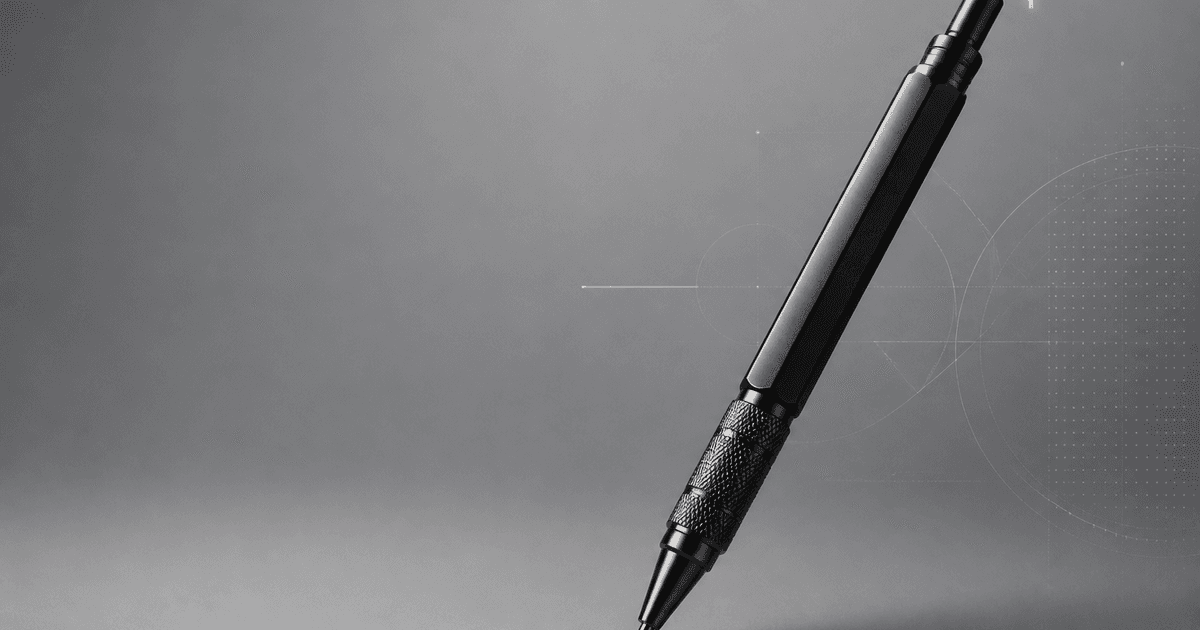
Animate one documented mechanical-pencil click while preserving exact barrel, knock button, clip, tip, lead sleeve, lead travel, grip, finish, reflections, shadows, and mechanism limits.
Quick answer
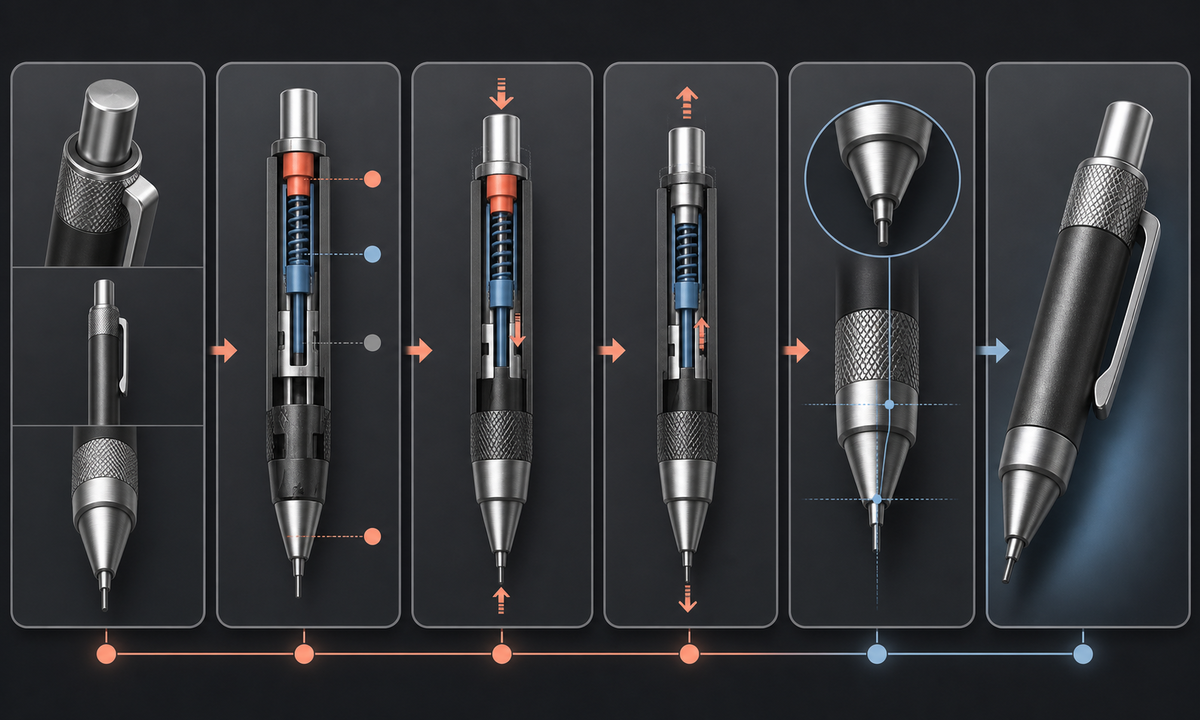
Use a clean macro reference of the exact pencil and request one click only. Define knock-button travel, whether the tip or sleeve retracts, expected lead advance, pencil orientation, and the final stop. Lock barrel geometry, clip, eraser cap, grip texture, tip stack, lead diameter, reflections, and shadow; never use generated motion to prove mechanism reliability, break resistance, lead protection, or writing performance.
Who this guide is for
Stationery brands, pen shops, product photographers, industrial designers, ecommerce teams, reviewers, and social advertisers creating short macro product loops from authorized stills.
Recommended model
| Use case | Recommended model | Why |
|---|---|---|
| This workflow | Wan 2.7 image-to-video for one bounded mechanical-pencil click | A single-axis button and lead movement can be prompted precisely from a source image, provided the exact mechanism behavior is documented and every changing component is reviewed frame by frame. |
AIBase is an independent creative platform. Model names are shown only to identify supported underlying technologies and workflow choices.
Prompt template
Animate the uploaded authorized macro photo of [exact mechanical pencil SKU and lead size] as the first frame. One action only: the top knock button moves inward [documented millimeters], pauses, and returns; the lead advances [documented amount] from the existing guide pipe or tip, then stops. Preserve exact barrel length and taper, button, eraser cap, clip, grip, rings, logo zone, tip cone, guide pipe, lead diameter and color, seams, finish, reflections, shadow, background, crop, and locked camera. No extra click, retracting tip unless documented, bending lead, changing lead length after endpoint, writing, hand, eraser use, disassembly, text, sound, sparks, watermark, or invented mechanism.
Step-by-step workflow
- Freeze SKU, mechanism type, lead size, button travel, lead advance per click, retractable or fixed sleeve behavior, cushioning or rotation claims, materials, included parts, condition, and claim limits.
- Capture capped or uncapped top, clip, grip, tip, sleeve, lead, side profile, button depressed state, reflections, scale, and the exact documented endpoint for the same pencil.
- Map fixed barrel and grip plus moving button, sleeve if applicable, lead, motion axis, travel distance, timing, reflection anchors, shadow, and stable end frame.
- Generate one click with a locked camera and no hand; stop before any undocumented internal mechanism, eraser, refill, or writing action is needed.
- Inspect every frame for warped barrel, duplicated clip or rings, melting tip, changing sleeve, thickening lead, impossible button travel, reflection jumps, and extra advance.
- Composite approved product details if necessary and add verified lead size, mechanism, materials, refill compatibility, price, availability, disclosure, and CTA separately.
Example prompt variants
- Three-second drafting-pencil macro: top button depresses two millimeters once and returns, 0.5-millimeter graphite advances the documented increment, preserve knurled metal grip, fixed guide pipe, clip, rings, reflections, and locked camera.
- Four-second retractable-tip pencil: one documented click extends the tip assembly and lead to the approved endpoint, preserve barrel, button, clip, rubber grip pattern, cone geometry, lead diameter, and no second click.
- Three-second side-button pencil: the existing side knock moves inward once and returns while the lead advances slightly, preserve side-button hinge, barrel seam, grip, tip, shadow, and no hand or writing surface.
Quality checklist
- SKU, lead size, mechanism, button, clip, grip, rings, cone, sleeve, lead, materials, finish, markings zone, and condition match approved references.
- Button or side-knock axis, travel, timing, return, sleeve behavior, lead advance, and endpoint match documented operation.
- No extra click, lead bend, thickness change, tip mutation, barrel warp, clip duplication, eraser action, refill, writing, or hidden mechanism appears.
- The clip does not imply reliability, precision, lead protection, break resistance, ergonomics, refill life, or writing quality beyond evidence.
- Source, mechanism notes, motion map, prompt, output, frame review, product approval, edit, disclosure, and export remain traceable.
Mistakes to avoid
- Prompting a generic pencil click without documenting whether the tip, sleeve, button, or lead should move.
- Animating multiple clicks in one shot and losing control of lead length, button state, and final continuity.
- Adding a hand, paper, writing, erasing, rotating lead, and camera movement to an already delicate macro action.
- Treating a smooth generated click as proof of mechanism durability, lead advance accuracy, comfort, or break resistance.
Related AIBase pages
Practical next step
Open the most relevant AIBase generator, run one narrow prompt first, and save the best result before adding more constraints. The fastest way to improve output quality is to compare one variable at a time: subject, camera, background, lighting, then final polish.