
Wan 2.7 Paper Label Peel Product Video Prompts with Stable Packaging
Animate one controlled label-corner peel while preserving package shape, paper adhesion, print zones, reflections, contents, and a stable endpoint.
Quick answer
Start from a sharp authorized package photo where one paper-label corner and its attachment surface are visible. Animate only that corner lifting along a short defined path, then hold. Lock the container, lid, seam, label size and remaining adhesion, print zones, contents, reflections, shadow, surface, camera, and light. Composite the real label if any generated frame changes copy, symbols, batch information, or legal details.
Who this guide is for
Packaging designers, beauty and food brands, ecommerce studios, photographers, and editors creating tactile label or unboxing details from approved packshots.
Recommended model
| Use case | Recommended model | Why |
|---|---|---|
| This workflow | Wan 2.7 image-to-video for one bounded peel action | A constrained source-led movement can explore tactile paper behavior without asking the model to redesign the package or generate a full unboxing sequence. |
AIBase is an independent creative platform. Model names are shown only to identify supported underlying technologies and workflow choices.
Prompt template
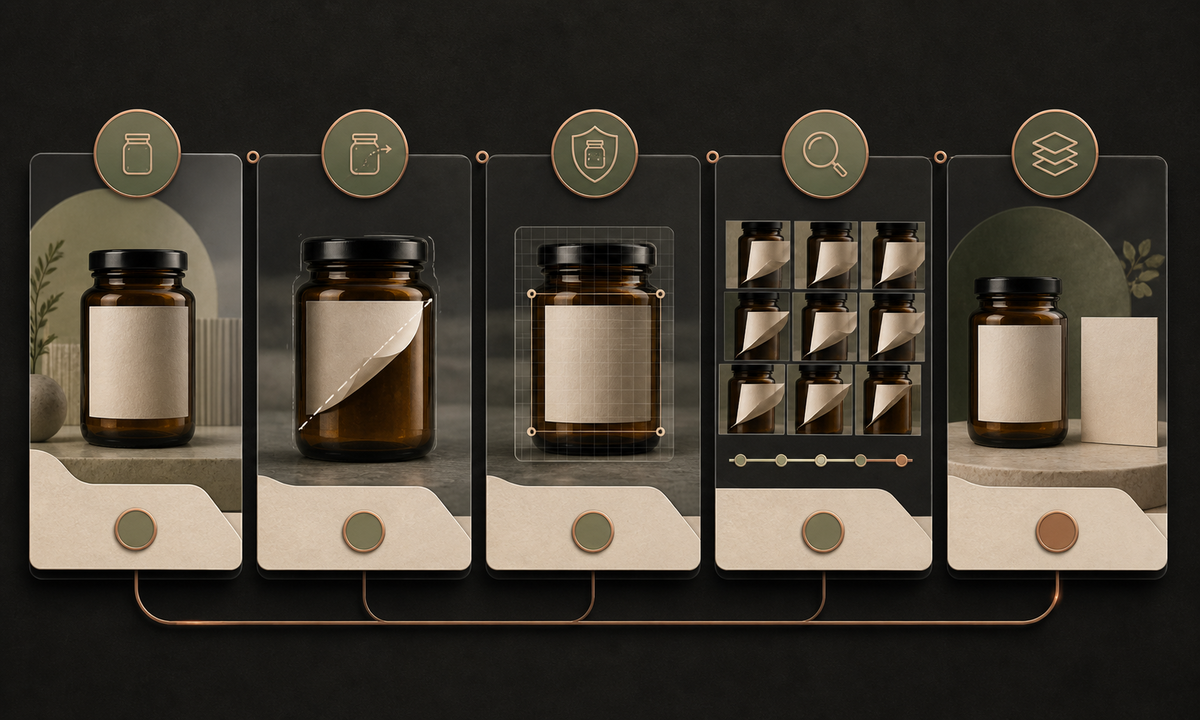
Animate the uploaded authorized package photo as the exact first frame. Motion only: the existing [top-right] paper-label corner lifts [distance] along [direction] over [duration], bends with realistic paper stiffness and adhesive resistance, then stops with the remaining label still attached. Preserve container silhouette, dimensions, lid, neck, seams, material, fill, contents, label size, shape, alignment, all print and legal zones, reflection, refraction, shadow, surface, background, camera, crop, and light. No hand, tool, tearing, glue string, residue, full removal, new label, copy change, product opening, spill, claim, word, logo, sound, or watermark.
Step-by-step workflow
- Verify SKU, package and label revision, materials, adhesive behavior, print and legal zones, product state, rights, and the permitted action.
- Choose a source where the intended corner, attachment surface, container edge, reflection, and shadow are sharp and unobstructed.
- Map the peel origin, direction, distance, bend radius, speed, adhesion boundary, and stable endpoint; protect every package invariant.
- Generate a short locked-camera version before adding any small camera push or rack focus.
- Inspect frame by frame for changing label dimensions, print drift, torn fibers, floating paper, glue strings, warped containers, changing contents, and reflection errors.
- Composite the approved label and product where needed, add verified copy separately, and archive source, prompt, review, and export.
Example prompt variants
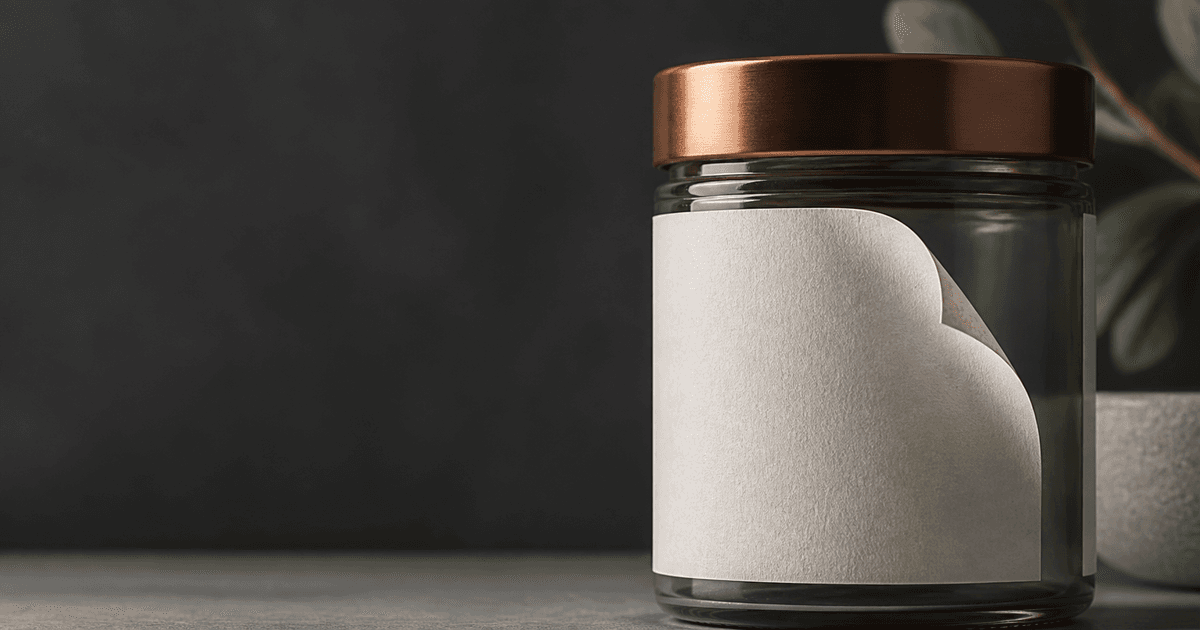
- Four-second locked macro: the existing blank top-right label corner lifts eight millimeters from the glass jar and stops; preserve jar, copper lid, label dimensions, remaining adhesion, reflections and shadow.
- Three-second carton detail: one already raised paper seal edge bends outward a few degrees and returns close to its source position; preserve box folds, closure, print zones and camera.
- Five-second bottle plate: one blank neck-label tab lifts along its visible perforation line and holds without tearing; preserve cap, glass, liquid level, label body, highlights and background.
Quality checklist
- SKU, container, lid, contents, label revision, shape, alignment, print zones, seams, reflections, and scale match the source.
- The paper has plausible stiffness, curl, adhesion, occlusion, shadows, motion path, and a stable endpoint.
- No copy, symbol, barcode, batch, ingredient, direction, warning, certification, claim, or legal zone changes.
- The action does not imply tamper status, resealability, recyclability, freshness, authenticity, or ease of use without evidence.
- Source, motion map, prompt, frames, package review, composite, approval, and export are retained.
Mistakes to avoid
- Prompting the whole label to fly off and forcing the model to invent hidden package surfaces and adhesive behavior.
- Adding a hand, tool, camera orbit, package opening, product pour, and label peel in one clip.
- Accepting drifting print, changing label size, torn paper, floating corners, glue filaments, or warped glass.
- Using the peel as proof of tamper evidence, sustainable materials, easy removal, resealability, or product authenticity.
Related AIBase pages
Practical next step
Open the most relevant AIBase generator, run one narrow prompt first, and save the best result before adding more constraints. The fastest way to improve output quality is to compare one variable at a time: subject, camera, background, lighting, then final polish.