
Wan 2.7 Travel Umbrella Opening Product Video Prompts
Animate one bounded travel-umbrella opening action while preserving shaft, ribs, stretchers, runner, canopy panels, handle, strap, mechanism, condition, and safety.
Quick answer
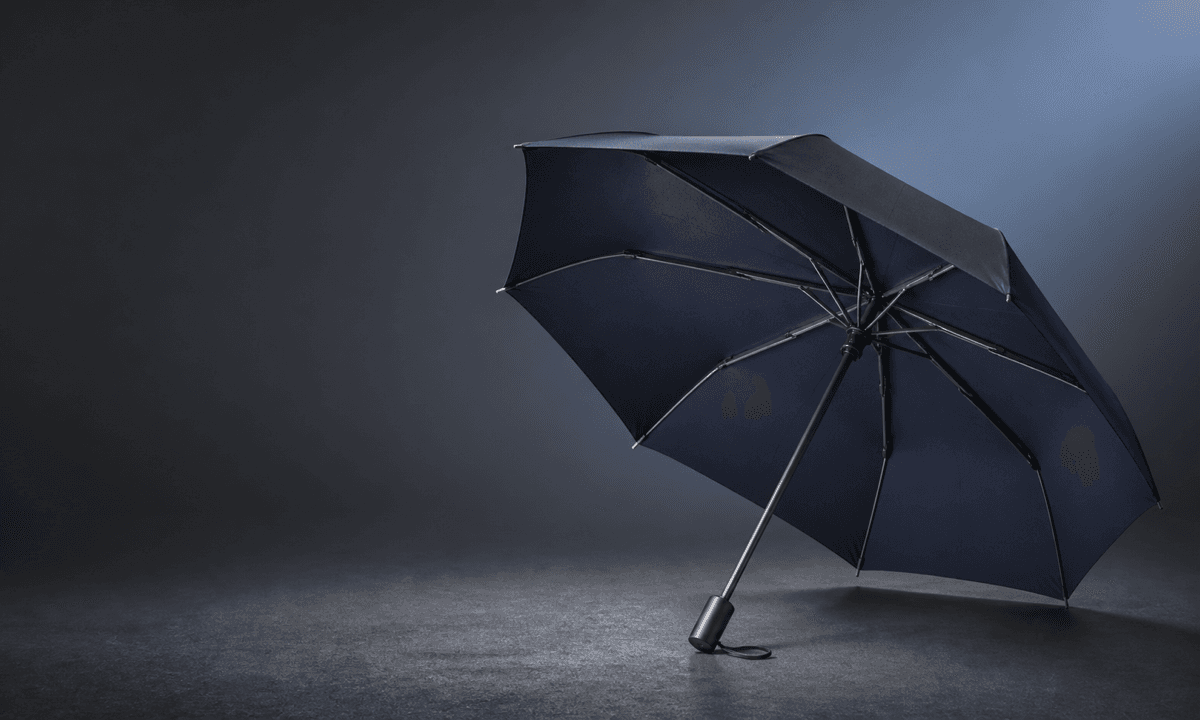
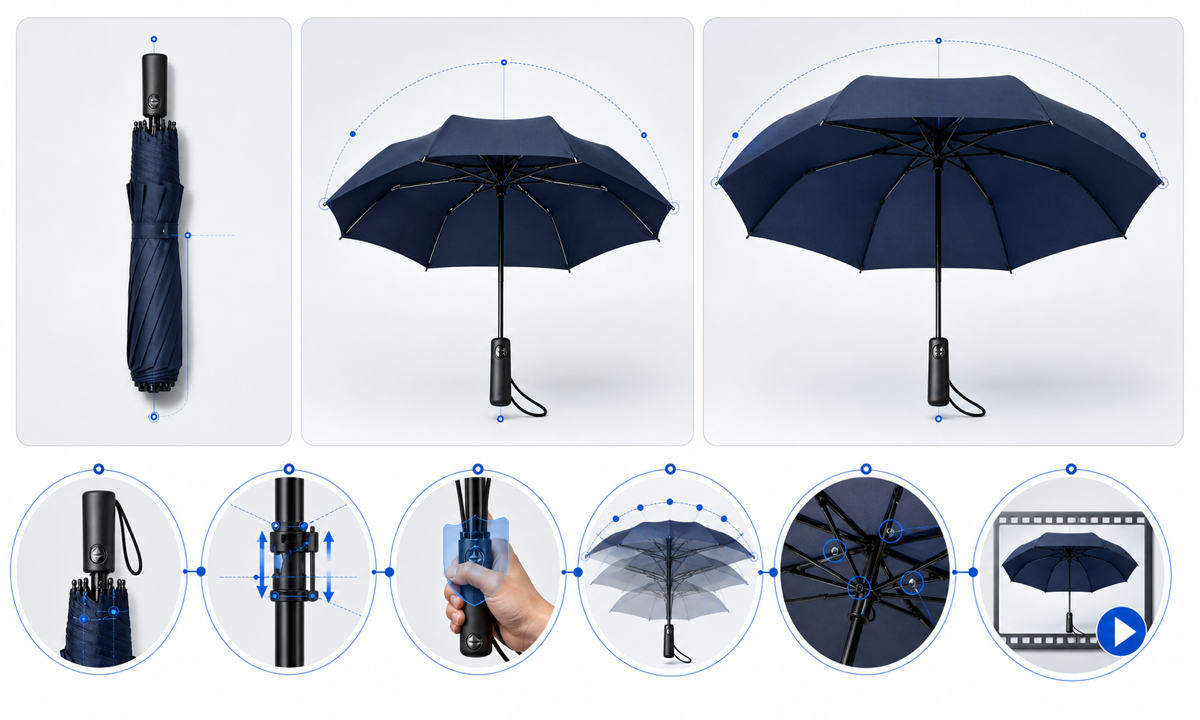
Use complete authorized closed, partial and open references for the exact umbrella. Animate one documented stage only: a short runner movement, a controlled shaft extension, or the final canopy tensioning—not a full automatic launch from a single folded photo. Lock handle, button, shaft segments, runner, notch, rib and stretcher count impression, joints, tips, canopy panels, seams, vents, strap, print zones, reflections, camera and safe clearance. Stop before any hidden mechanism or canopy face would need invention.
Who this guide is for
Umbrella brands, travel-accessory sellers, marketplaces, product photographers and editors creating short mechanism details from exact approved SKU photography.
Recommended model
| Use case | Recommended model | Why |
|---|---|---|
| This workflow | Wan 2.7 image-to-video for one bounded umbrella mechanism stage | A source-led motion can demonstrate tactile movement when the stage is short and all mechanical, fabric and hidden-surface references are available. |
AIBase is an independent creative platform. Model names are shown only to identify supported underlying technologies and workflow choices.
Prompt template
Animate the uploaded authorized [exact travel umbrella SKU and colorway] photo as the exact first frame, using approved partial and open references. Motion only: [runner travels distance along shaft / telescoping section extends distance / final canopy panels tension] over [3-5 seconds], then holds. Preserve handle, button, wrist strap, shaft segments, runner, notch, ribs, stretchers, joints, tips, canopy panel count impression, seams, vents, binding strap, print and logo zones, fabric color and condition, shadow, camera, crop and light. Maintain safe empty clearance. No hand, person, sudden launch, flying water, wind, rain test, new mechanism, inverted canopy, extra rib, word, sound or watermark.
Step-by-step workflow
- Freeze SKU, revision, manual or automatic mechanism, shaft stages, runner path, rib system, canopy panels, vent, strap, dimensions, condition, safety guidance, claims, rights and permitted motion.
- Capture approved closed, folded, partial, open, underside, runner, shaft, joint, rib, tip, handle, button, strap, canopy, seam, print and scale references.
- Map fixed and moving parts, axes, travel, joint sequence, fabric slack and tension, occlusion, safe clearance and stable endpoint; choose one documented stage.
- Generate a locked-camera clip that stops before an undocumented underside, joint, panel, spring event or hidden shaft section appears.
- Inspect every frame for shaft telescoping, runner alignment, rib and stretcher continuity, joint pivots, tip position, panel seams, fabric tension, strap, print, reflections and safe motion.
- Composite the exact product if required and add verified size, weight, mechanism, wind or water testing, materials, care, warranty, price, availability, disclosure and CTA separately.
Example prompt variants
- Four-second side macro: the approved runner moves three centimeters upward on the visible shaft and stops before new ribs are exposed; preserve notch, stretchers, handle, strap, canopy folds and locked camera.
- Five-second source-led final opening stage using complete references: the already-partial canopy expands only to the documented open endpoint while shaft, ribs, joints, tips, seams and panel colors remain exact.
- Three-second telescoping detail: one documented shaft section extends two centimeters and holds while the folded canopy, binding strap, handle, button, reflections and empty background remain fixed.
Quality checklist
- SKU, mechanism, handle, button, strap, shaft, runner, notch, ribs, stretchers, joints, tips, canopy, seams, vents, print, dimensions and condition match approved references.
- Movement path, sequence, clearances, pivots, telescoping, fabric slack and tension, occlusion, speed and endpoint are mechanically plausible.
- No hand, person, hidden spring, extra rib, duplicated joint, changing panel, inverted canopy, flying water, wind response or undocumented surface appears.
- The clip does not prove automatic speed, one-handed use, wind resistance, waterproofing, durability, safety, weight, warranty or included cover without evidence.
- Truth sheet, source set, motion map, prompt, frames, mechanism and safety review, composite, approval and export remain traceable.
Mistakes to avoid
- Prompting a full closed-to-open automatic launch from one folded image and forcing invention of every hidden joint and canopy surface.
- Accepting ribs that multiply, cross, detach or pivot from the wrong points while fabric hides the error.
- Adding a hand, rain, wind, spinning camera and dramatic spring motion to an already complex mechanism.
- Using a smooth generated opening as proof of automatic speed, durability, windproofing, waterproofing or safe one-handed operation.
Related AIBase pages
Practical next step
Open the most relevant AIBase generator, run one narrow prompt first, and save the best result before adding more constraints. The fastest way to improve output quality is to compare one variable at a time: subject, camera, background, lighting, then final polish.