
Seedream 5.0 Lite Facebook Ad Background Prompts for Fast Creative Tests
Draft Facebook ad backgrounds with Seedream 5.0 Lite prompts for one message, feed and story crops, product compositing, copy-safe space, and controlled testing.
Quick answer
Use Seedream 5.0 Lite to explore the background layer, not to fabricate a complete product ad. Keep one audience and message fixed, reserve space for an approved product cutout and editable copy, create matched square and vertical crops, then test one visual variable at a time.
Who this guide is for
Performance marketers, ecommerce teams, founders, agencies, and creative strategists producing prospecting, retargeting, seasonal, lead-generation, or offer-supporting Facebook and Instagram placements.
Recommended model
| Use case | Recommended model | Why |
|---|---|---|
| This workflow | Seedream 5.0 Lite | A lightweight text-to-image workflow is useful for generating directional scene and color variations quickly before exact products, claims, copy, and platform-safe elements are composited. |
AIBase is an independent creative platform. Model names are shown only to identify supported underlying technologies and workflow choices.
Prompt template
Create only the background layer for a Facebook ad aimed at [one audience] about [one truthful message]. FORMAT SET: square feed and 9:16 story/reel, with one shared center-safe composition. Reserve a clean product zone at [region] sized for [approved cutout] and a low-detail copy zone at [region]. Scene: [specific context or simple visual hook]. Palette/light: [direction]. Include only [limited props]. No product replica, person presented as a customer, text, letters, logo, button, price, discount, metric, review, star rating, claim, certification, interface, or watermark. Avoid clutter, fake packaging, important edge details, and misleading before-and-after cues.
Step-by-step workflow
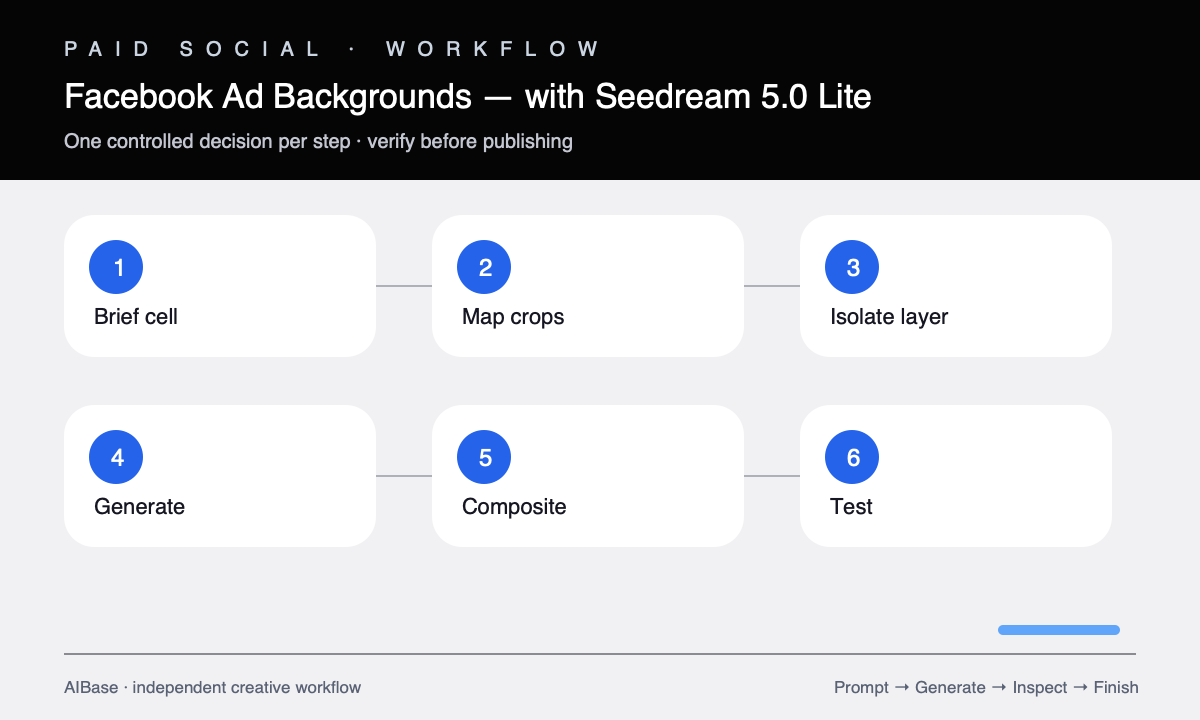
- Define the campaign cell: one audience, funnel stage, truthful message, placement set, product asset, approved offer, and success metric.
- Map square and vertical canvases with shared center-safe zones for product, headline, proof, logo, CTA, and platform overlays.
- Generate three background directions while keeping the audience, message, palette, product zone, copy zone, and attempt count fixed.
- Composite the same approved product cutout into each background with matched perspective, light, contact shadow, scale, and edge treatment.
- Score thumb-stop potential, message relevance, product prominence, copy contrast, crop safety, brand fit, plausibility, and claim risk.
- Add editable verified copy and disclosures, export placement-specific files, and test only one visual variable per ad set.
Example prompt variants
- Square meal-prep ad background for busy parents, bright kitchen counter with one open clear space lower center for an approved container cutout, soft morning light, calm green and cream, clean upper copy area, no food claims.
- Vertical travel-accessory story background, train-window seat and folded map with center product zone, warm early light, open top third for headline, keep interface overlay areas empty, no luggage brand.
- Square bookkeeping-service concept background, tidy small-business counter with organized blank receipts forming one simple path, product-free visual metaphor, navy and apricot, uncluttered left copy zone, no numbers or dashboard.
Quality checklist
- The background supports one audience and message while the approved product remains the final ad’s dominant subject.
- Square and vertical crops preserve product, copy, CTA, logo, and interface-safe zones.
- Lighting, perspective, contact, color spill, and depth make the composited product feel grounded without changing it.
- No generated person, scene, chart, review, price, or visual transformation implies unverified use, performance, endorsement, or urgency.
- The test matrix changes one creative variable and retains matched copy, audience, placement, budget, and measurement.
Mistakes to avoid
- Generating a full ad with fake product packaging, baked-in copy, rating stars, price, and CTA.
- Testing several new backgrounds together with different messages, audiences, or offers and losing causal clarity.
- Ignoring story interface zones or assuming a square design can simply be cropped vertically.
- Compositing an approved product without matching the generated background’s perspective, light, shadow, and color spill.
Related AIBase pages
- Open Seedream 5.0 Lite
- Create social media prompt templates
- Build Instagram carousel backgrounds
- Compare Seedream with GPT Image 2
Practical next step
Open the most relevant AIBase generator, run one narrow prompt first, and save the best result before adding more constraints. The fastest way to improve output quality is to compare one variable at a time: subject, camera, background, lighting, then final polish.