
Seedream 5.0 Lite Pinterest Product Pin Background Prompts for Fast Testing
Generate Pinterest product-pin background directions with Seedream 5.0 Lite using vertical composition, product zones, text-safe space, and controlled variants.
Quick answer
Use Seedream 5.0 Lite to test vertical background directions quickly, not to bake final headlines or exact products into every draft. Define a 2:3 composition, one visual hook, a calm product zone, and a separate text-safe region, then add approved product pixels and copy in your design tool.
Who this guide is for
Pinterest marketers, ecommerce teams, creators, and small brands testing seasonal product pins, tutorial covers, gift guides, collection mood, and evergreen traffic creative.
Recommended model
| Use case | Recommended model | Why |
|---|---|---|
| This workflow | Seedream 5.0 Lite | Its fast image workflow suits broad creative exploration where a team needs several vertical background directions before spending time on exact product compositing and final typography. |
AIBase is an independent creative platform. Model names are shown only to identify supported underlying technologies and workflow choices.
Prompt template
Create a vertical 2:3 Pinterest product-pin background for [topic/product category] targeting [audience and search intent]. Visual hook: [one object, texture, or scene cue]. Reserve a clean low-detail area for [headline placement] and a clear product zone for a separately supplied pack shot. Palette: [colors]. Lighting: [mood]. Include no text, logo, product claim, price, badge, watermark, or invented branded packaging.
Step-by-step workflow
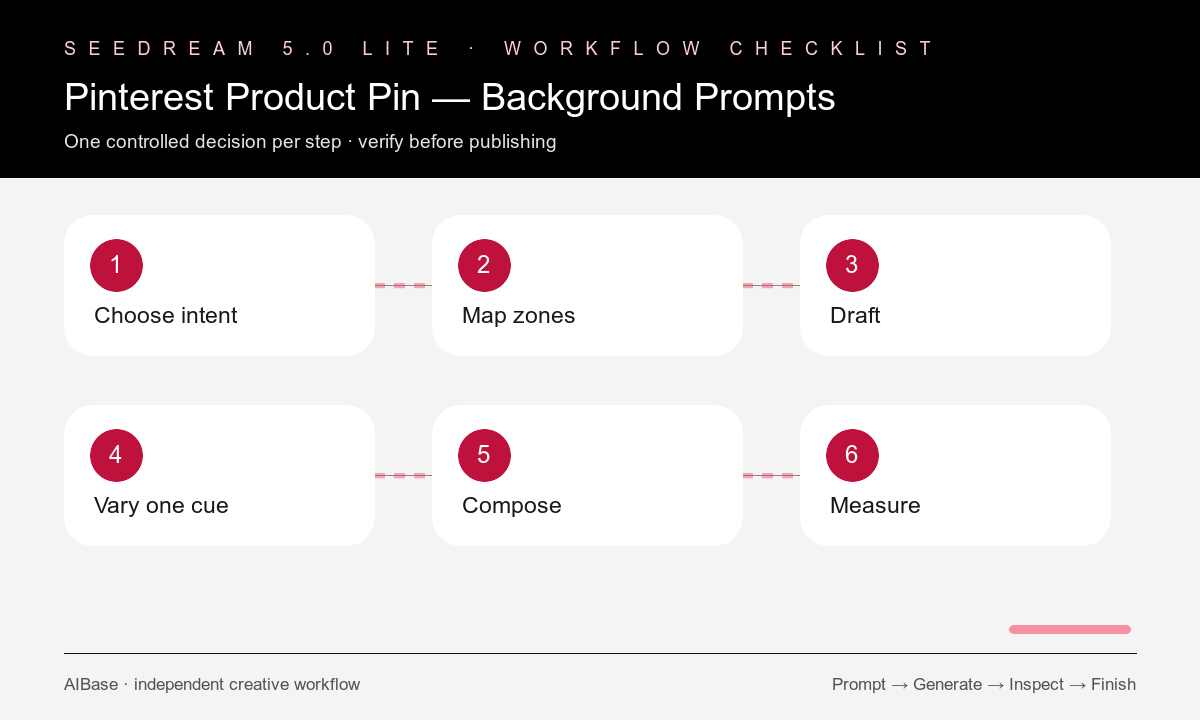
- Choose one searchable pin intent such as gift guide, how-to, seasonal collection, small-space idea, routine, or comparison.
- Sketch the headline zone, product zone, and visual hook on a 2:3 canvas before generating any background.
- Draft three backgrounds that keep layout fixed while changing only palette, surface, or scene cue.
- Select the direction with the clearest hierarchy at thumbnail size, then place an approved product cutout in the reserved zone.
- Add concise accessible copy, brand elements, URL treatment, and any verified price or claim in the design layer.
- Export mobile-readable variations and track saves, outbound clicks, and conversions by hook rather than changing every variable at once.
Example prompt variants
- 2:3 gift-guide pin background for minimalist desk accessories, warm paper texture and one ribbon curve, calm upper headline zone, open lower product zone, no text or products.
- Vertical summer skincare routine background, pale aqua tile, soft window light, subtle water ripple shadow, clean center product zone and top text-safe area, no labels or claims.
- Pinterest pin background for small-kitchen organization ideas, light wood and cream palette, one simple shelf silhouette, generous low-detail copy region, no appliances or typography.
Quality checklist
- The 2:3 composition reads at phone thumbnail size with one obvious hook and one focal hierarchy.
- Headline and product zones remain calm enough for real typography and approved product pixels.
- The background does not contain pseudo-text, logos, prices, claims, badges, or invented packaging.
- Palette and scene support the search intent without relying on decorative clutter.
- Each test changes one controlled variable and uses a consistent export, destination, and measurement window.
Mistakes to avoid
- Generating a finished poster full of unreadable text instead of a reusable background direction.
- Leaving no stable zone for the actual product cutout or mobile headline.
- Copying one composition across unrelated search intents without adapting the hook.
- Judging only full-size beauty and ignoring thumbnail clarity, click intent, and landing-page match.
Related AIBase pages
- Open Seedream 5.0 Lite
- Use the social media prompt template
- Build Instagram carousel backgrounds
- Test ecommerce sale banner backgrounds
Practical next step
Open the most relevant AIBase generator, run one narrow prompt first, and save the best result before adding more constraints. The fastest way to improve output quality is to compare one variable at a time: subject, camera, background, lighting, then final polish.