
Seedream 5.0 Lite Instagram Story Background Prompts with Safe Zones
Create Instagram Story background concepts with Seedream 5.0 Lite prompts for 9:16 framing, UI-safe zones, product assembly, editable copy, and repeatable creative tests.
Quick answer
Start with a 9:16 canvas and reserve quiet areas away from the top account controls and bottom reply or CTA interface. Generate only the visual background, keep the subject inside the central viewing zone, and add approved product pixels, headline, logo, stickers, CTA, prices, and disclosures in the final Story layout.
Who this guide is for
Social media managers, ecommerce teams, creators, agencies, restaurants, and local businesses preparing organic Stories, paid vertical ads, launches, reminders, polls, and limited-time campaign layouts.
Recommended model
| Use case | Recommended model | Why |
|---|---|---|
| This workflow | Seedream 5.0 Lite | A fast text-to-image route is useful for exploring several vertical background directions and palette variations before the final product, copy, brand, and interactive elements are assembled separately. |
AIBase is an independent creative platform. Model names are shown only to identify supported underlying technologies and workflow choices.
Prompt template
Create a text-free 9:16 Instagram Story background for [one verified message] aimed at [audience]. Visual concept: [specific scene or object arrangement]. Place the main visual anchor in the central [region], keep the top and bottom interface zones uncluttered, and leave a calm [left/right/center] area for editable headline and CTA. Palette: [colors]. Lighting/mood: [direction]. Use no more than [number] supporting props. No text, letters, logo, sticker, button, price, percentage, countdown, rating, interface, customer identity, claim, exact product without an approved reference, or watermark.
Step-by-step workflow
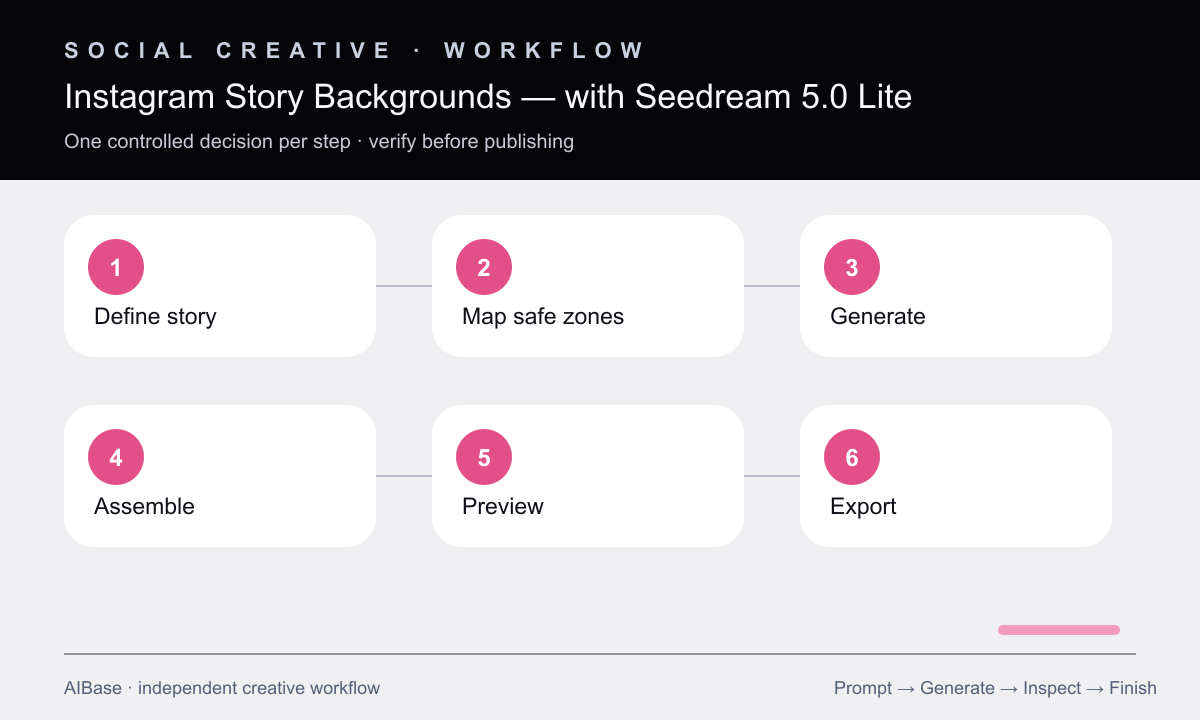
- Define the Story’s single job, audience, source link, verified message, sequence position, and whether the layout will use an interactive sticker or paid CTA.
- Apply current platform-safe guides to a 9:16 master and reserve top, bottom, and side breathing room before choosing the visual anchor.
- Generate three text-free directions with the same composition, changing only scene, color, or material so the creative choice is easy to compare.
- Composite approved product photography, logo, editable headline, CTA, offer terms, sticker, captions, and disclosures within the safe layout.
- Preview on a phone-sized canvas with interface overlays and check first-frame hierarchy, contrast, crop, reading order, and tap-target competition.
- Export a clean master plus platform-ready version, then document which hook changed so performance results can inform the next batch.
Example prompt variants
- 9:16 skincare Story background, soft translucent gel ribbons and pale stone platform in the center-lower area, quiet lavender space upper-middle for copy, interface-safe edges, no bottle, text, claim, or logo.
- 9:16 coffee-shop launch background, warm morning window light across a small empty table, subtle steam-colored gradient without a cup, clear center copy zone and uncluttered top and bottom, no offer text.
- 9:16 productivity-app Story background, abstract paper tiles flowing into one calm vertical column, cobalt and mint palette, focal motion implied in center, clear upper headline zone, no UI or letters.
Quality checklist
- The focal subject, editable headline, CTA, sticker, logo, and disclosures all fit within reviewed interface-safe areas.
- The visual reads within the first moment on a phone and supports one message rather than several competing announcements.
- Generated pixels contain no invented product, copy, price, countdown, rating, UI, customer, endorsement, result, or brand mark.
- The copy-safe zone maintains contrast after real elements are added and avoids faces or important details behind interface controls.
- The assembled Story uses approved assets, current offer terms, descriptive captions or alt strategy, and a documented test variable.
Mistakes to avoid
- Designing edge to edge without previewing the account header, reply area, paid CTA, or interactive sticker overlay.
- Asking the model to generate the final headline, price, countdown, button, and logo inside the image.
- Placing the product, face, and copy in separate corners so the eye has no clear vertical reading path.
- Changing visual hook, audience, copy, offer, and CTA simultaneously and learning nothing from the result.
Related AIBase pages
- Open Seedream 5.0 Lite
- Create Instagram carousel backgrounds
- Build social media prompt templates
- Create Facebook ad backgrounds
Practical next step
Open the most relevant AIBase generator, run one narrow prompt first, and save the best result before adding more constraints. The fastest way to improve output quality is to compare one variable at a time: subject, camera, background, lighting, then final polish.