
Wan 2.7 Sparkling Water Bubble Product Video Prompts
Animate controlled carbonation bubbles with Wan 2.7 while preserving the exact beverage, container, fill level, package, refraction, condensation, and claim boundaries.
Quick answer
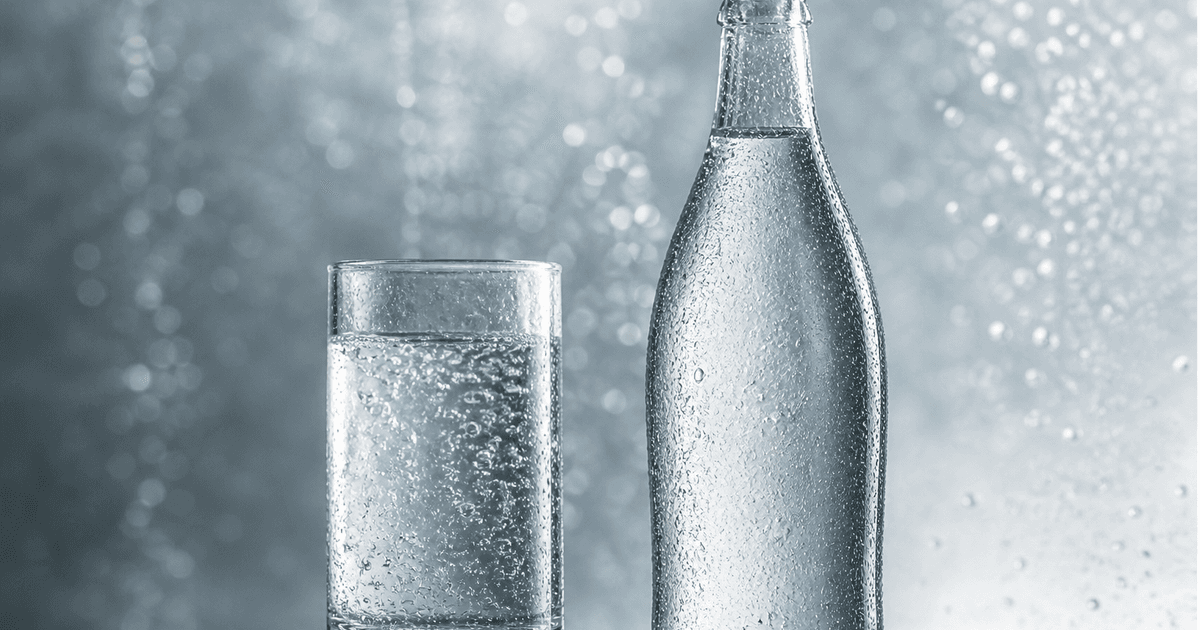
Start from an approved bottle, can, or glass image where the liquid boundary and existing bubbles are visible. Ask Wan 2.7 to animate only a restrained field of small bubbles rising from documented nucleation zones, with stable size, speed, refraction, and surface contact, while preserving package, label, fill level, liquid color, glass geometry, condensation, shadows, and camera. Do not treat generated bubble density as evidence of carbonation level, freshness, temperature, flavor, health, or serving quality.
Who this guide is for
Beverage brands, ecommerce teams, food studios, agencies, and social editors creating short macro product-effect shots from authorized sparkling water or soda photography.
Recommended model
| Use case | Recommended model | Why |
|---|---|---|
| This workflow | Wan 2.7 image-to-video for one controlled carbonation effect | A narrow physical-effect prompt keeps the approved beverage and container as the source while adding one visually legible motion layer. |
AIBase is an independent creative platform. Model names are shown only to identify supported underlying technologies and workflow choices.
Prompt template
Animate the uploaded authorized [sparkling water bottle / can and glass / beverage glass] as the exact first frame. Add motion only to the existing carbonation: [number and size range] small bubble streams rise from [visible nucleation zones] at [restrained speed], refract consistently through the liquid, reach the existing surface, and disappear without changing foam or volume. Preserve exact container, package, label, every character, cap or tab, fill level, liquid color and clarity, glass thickness, refraction, condensation, droplets, surface, reflection, shadow, background, crop, camera, and light. No pour, splash, fizz overflow, foam growth, ice, fruit, hand, opening, package change, health or freshness cue, text, sound, or watermark.
Step-by-step workflow
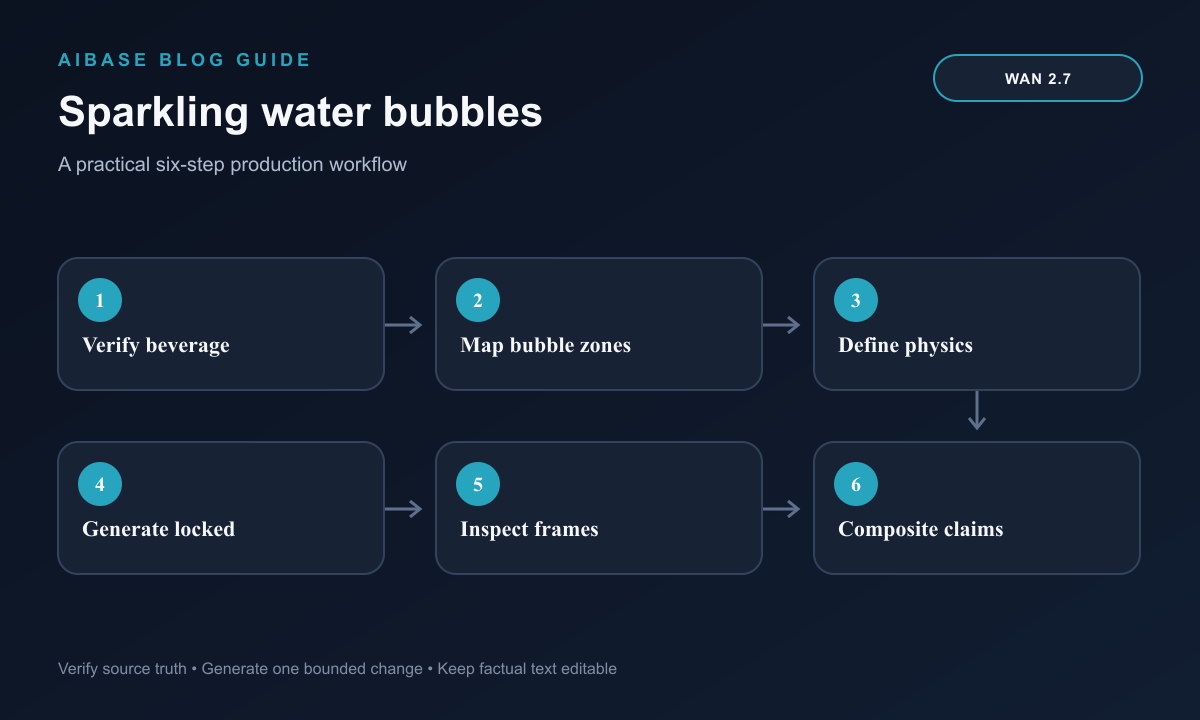
- Confirm the exact beverage, container, package version, liquid appearance, fill level, carbonation representation, ingredient and claim rules, source rights, and required food review.
- Choose a sharp source with visible liquid boundaries, credible existing bubbles or nucleation points, stable reflections, and no label detail hidden by glare.
- Map bubble zones, density, diameter, rise speed, refraction, surface termination, protected package, condensation, foam, and camera; begin with a locked shot.
- Generate short low-density variants without combining opening, pouring, ice movement, condensation growth, splash, foam, fruit, hand entry, and camera orbit.
- Inspect frame by frame for bubble source, scale, continuity, speed, buoyancy, collisions, refraction, surface behavior, liquid volume, foam, glass, package, label, droplets, reflections, and shadows.
- Composite exact product copy, ingredient-safe language, captions, disclosure, and CTA in post; retain product record, source, motion map, prompt, output, food review, and export.
Example prompt variants
- Four-second locked macro of the approved clear sparkling water glass: three fine bubble streams rise from visible base nucleation points and vanish at the existing surface, preserve fill level, glass, refraction, condensation, background, and no foam or splash.
- Three-second approved bottle hero: only the small existing interior bubbles rise slowly through the clear liquid, preserve exact bottle, cap, label, characters, liquid clarity, droplets, reflection, camera, and no opening or package motion.
- Five-second can-and-glass composition: animate restrained bubbles only inside the existing poured glass while the verified unopened can remains completely still, preserve both labels, fill level, ice-free liquid, surface, shadows, and no freshness cue.
Quality checklist
- Exact beverage, container, package, label, cap or tab, fill level, liquid color and clarity, glass, condensation, surface, props, crop, and source rights remain accurate.
- Bubbles begin at plausible visible zones, keep restrained size and density, rise continuously with buoyancy and refraction, meet the surface, and do not alter volume or foam.
- No bubble, droplet, container part, label detail, reflection, shadow, prop, ice, fruit, hand, or background object appears, duplicates, melts, or vanishes.
- The clip does not imply unsupported carbonation strength, freshness, coldness, purity, mineral content, flavor, health benefit, hydration result, or serving quality.
- Product record, source, bubble specification, prompt, frame review, claims approval, disclosure, edit, and export remain traceable.
Mistakes to avoid
- Requesting explosive fizz and accepting endless bubbles, changing fill level, growing foam, or overflow that was not present in the source.
- Combining can opening, pouring, ice movement, splash, condensation, fruit, hand motion, and camera orbit in one unstable clip.
- Ignoring refraction and surface contact so bubbles pass through glass, begin in empty space, move downward, or disappear before reaching the liquid surface.
- Using generated bubble density, droplets, mist, or cold light as proof of carbonation, temperature, purity, freshness, flavor, or health benefit.
Related AIBase pages
- Open Wan 2.7
- Create beverage condensation motion
- Create beverage pour videos with Seedance 2
- Compare Veo Fast and Wan for ecommerce video
Practical next step
Open the most relevant AIBase generator, run one narrow prompt first, and save the best result before adding more constraints. The fastest way to improve output quality is to compare one variable at a time: subject, camera, background, lighting, then final polish.