
Veo 3.1 Fast Food Truck Social Reel Prompts for Daily Specials
Test quick food-truck reel hooks while keeping the real truck, menu, dish, staff, location, schedule, prices, availability, and results in verified footage and editable layers.
Quick answer
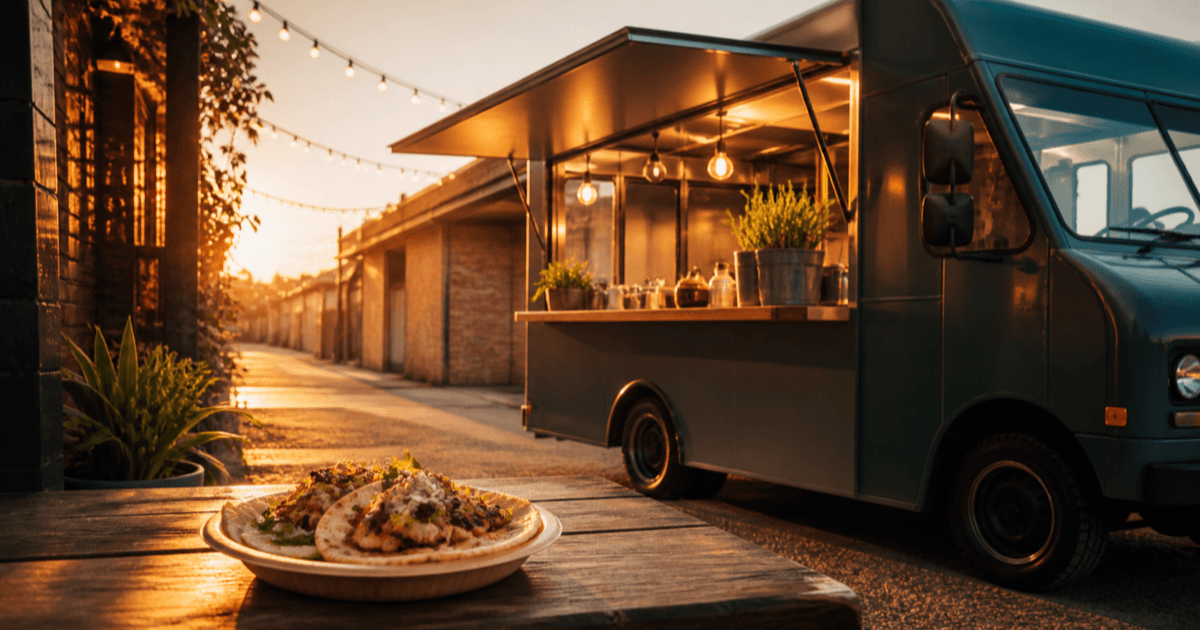
Use real footage for the exact truck, team, permitted location, dish, portion, preparation, service, menu, price, hours, stock, allergen information, and customer experience. Use Veo 3.1 Fast only for generic decorative hooks such as steam above an unbranded plate, ingredient texture, a simple market-light transition, or an abstract color bridge. Assemble the verified special and booking or location details in editable layers; never present a generated dish, queue, sold-out cue, or service scene as today’s reality.
Who this guide is for
Independent food trucks, mobile caterers, markets, festivals, local agencies, and social teams producing same-day specials, location updates, event reminders, and menu teasers.
Recommended model
| Use case | Recommended model | Why |
|---|---|---|
| This workflow | Veo 3.1 Fast for generic food-truck hook and transition tests | Fast iteration helps test short non-evidentiary openings while real footage carries the truck, dish, staff, location, offer, and availability truth. |
AIBase is an independent creative platform. Model names are shown only to identify supported underlying technologies and workflow choices.
Prompt template
Create one [4-6 second] [9:16 / 1:1] decorative street-food B-roll shot. Subject: [generic unbranded plated food / ingredient texture / market light / neutral truck detail]. Action: [one physically plausible movement]. Camera: [one move], light: [one setup], with a stable edit handle. No identifiable truck, person, vendor, customer, venue, dish name, menu, price, schedule, location, crowd, sold-out cue, portion claim, ingredient, allergen, certification, review, word, logo, sound, or watermark.
Step-by-step workflow
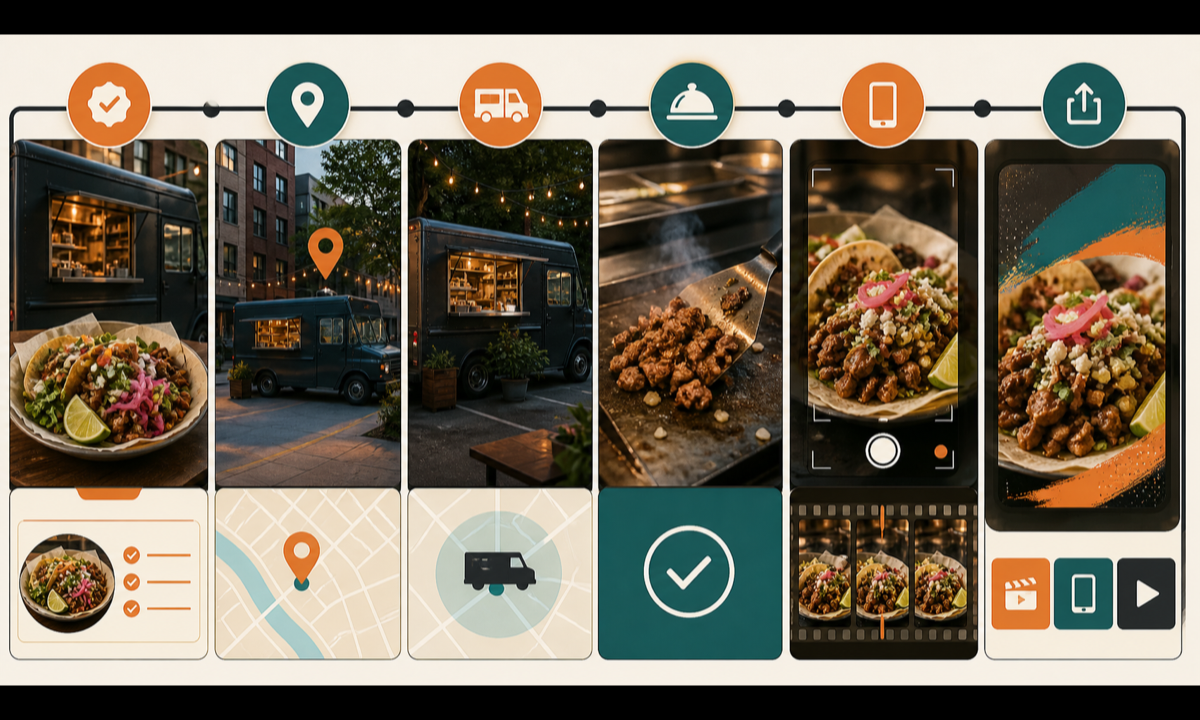
- Freeze today’s real dish, portion, ingredients, allergens, price, tax, availability, hours, location permission, service area, staff releases, offer terms, and destination.
- Capture real truck, prep, plated special, team, service window, location, queue if permitted, and current menu details with matched vertical framing.
- Assign generated footage only to generic hooks or transitions that cannot be mistaken for today’s truck, dish, team, crowd, or measured result.
- Generate one food or light event and one camera move per clip, leaving stable opening and closing frames for editorial control.
- Assemble real footage, exact menu name, price, qualifiers, hours, location, allergens, captions, disclosure, audio, and CTA in editable layers.
- Review food truth, permits, people, claims, accessibility, crop, location, stock, links, weather plan, corrections, and expiry before posting.
Example prompt variants
- Four-second vertical macro of gentle steam drifting above an unbranded bowl of plain roasted vegetables, camera locked, no dish name, ingredient claim, price, truck, person or word.
- Five-second close detail of warm market string lights reflecting across a clean dark truck panel with no badge or window, one slow lateral move, no location, vendor, menu or text.
- Four-second top-down generic street-food texture shot with one small sauce ripple on an unbranded plate, preserve portion and plate geometry, no hand, ingredient list, review, claim or logo.
Quality checklist
- Truck, staff, dish, portion, ingredients, allergens, price, tax, availability, hours, location, permits, and offer terms are current and approved.
- Generated clips cannot be read as proof of today’s dish, preparation, crowd, service speed, location, stock, cleanliness, popularity, or customer result.
- Food geometry, portion, steam, liquid, reflections, utensils, surfaces, camera, and motion remain physically stable.
- Menu copy, prices, qualifiers, hours, location, allergens, disclosure, captions, links, and CTA are editable and accessible.
- Permissions, source footage, prompts, outputs, edit, approvals, publication, corrections, and expiry remain traceable.
Mistakes to avoid
- Generating the special itself and posting it when the real dish, portion, garnish, or availability differs.
- Inventing a line of customers, festival venue, staff member, truck branding, or sold-out reaction as social proof.
- Implying health, ingredient, allergen-free, local, authentic, award, popularity, speed, or value claims without evidence.
- Burning price, location, hours, stock, weather, or menu details into generated frames that cannot be updated.
Related AIBase pages
Practical next step
Open the most relevant AIBase generator, run one narrow prompt first, and save the best result before adding more constraints. The fastest way to improve output quality is to compare one variable at a time: subject, camera, background, lighting, then final polish.