
Veo 3.1 Fast Auto Detailing Reel Prompts for Local Service Campaigns
Test short auto-detailing reel hooks while keeping real vehicles, staff, services, finishes, prices, locations, and results in verified footage and editable layers.

Quick answer
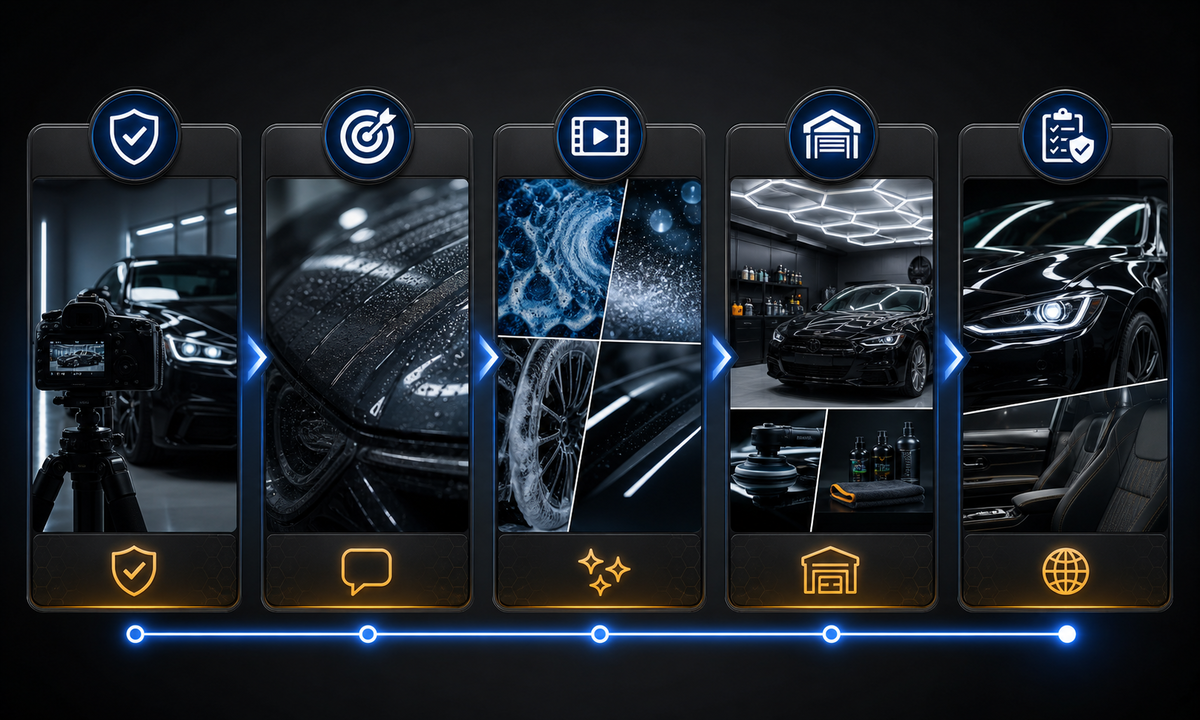
Use Veo 3.1 Fast for generic decorative hooks such as water beads under inspection light, microfiber texture, abstract foam, or light moving across an unbranded body panel. Use real footage for the customer’s vehicle, technicians, shop, actual process, contamination, damage, correction, coating behavior, before-and-after result, price, availability, and guarantee. Never present a generated transformation as proof of service quality.
Who this guide is for
Auto detailing shops, mobile detailers, dealerships, local agencies, and social teams producing short awareness, booking, maintenance, and seasonal service reels.
Recommended model
| Use case | Recommended model | Why |
|---|---|---|
| This workflow | Veo 3.1 Fast for fast generic hook and transition tests | Rapid iteration helps test non-evidentiary visual openings while real service footage carries the vehicle, team, process, result, and offer truth. |
AIBase is an independent creative platform. Model names are shown only to identify supported underlying technologies and workflow choices.
Prompt template
Create one [4-6 second] [9:16 / 1:1] decorative auto-detailing B-roll shot. Subject: [generic unbranded body panel / water bead / microfiber texture / abstract foam]. Action: [one small physically plausible motion]. Camera: [one move], light: [one setup], stable edit handle. No identifiable vehicle, license plate, badge, technician, shop, tool brand, scratch removal, paint correction, ceramic behavior, before-after result, price, discount, guarantee, certification, word, logo, sound, or watermark.
Step-by-step workflow
- Freeze the real service menu, process, products, exclusions, vehicle permissions, staff releases, location, prices, booking rules, results evidence, claims, and campaign destination.
- Capture real establishing, process, technician, vehicle, inspection, and finished-result footage with matched angles where proof matters.
- Assign generated footage only to generic hooks, texture bridges, or transitions that cannot be mistaken for the customer’s car or a measured result.
- Generate one material event and one camera move per clip, leaving clean opening and closing frames for the edit.
- Assemble verified footage, service name, scope, qualifiers, price, disclosure, captions, audio, location, and booking CTA in editable layers.
- Review paint and material claims, vehicle identity, staff consent, accessibility, crop, destination, availability, and correction plan before release.
Example prompt variants
- Four-second vertical macro of water beads sliding a short distance across an unbranded graphite body panel under inspection light, camera locked, no badge, scratch, coating claim, person or text.
- Five-second abstract foam texture moving slowly across a neutral black surface, top-down camera, stable end frame, no vehicle, tool, logo, cleaning result or sound.
- Four-second close detail of a folded blue microfiber cloth beside a generic glossy panel while one light band travels across the paint, no hand, shop, badge, claim or word.
Quality checklist
- Real shop, staff, customer vehicle, service, products, process, price, availability, and claims are sourced and approved.
- Generated clips cannot be read as proof of scratch removal, paint correction, coating, stain removal, protection, duration, or customer result.
- Vehicle geometry, panels, paint, reflections, water, foam, cloth, tools, and motion remain physically stable.
- Before-and-after frames use the same real vehicle, angle, lens, light, cleanliness conditions, and honest disclosure.
- Permissions, prompts, outputs, edit, claims, publication, bookings, corrections, and expiry are traceable.
Mistakes to avoid
- Generating a dirty-to-perfect transformation and presenting it as a real customer result.
- Showing badges, plates, faces, shops, or technicians that do not exist or are not authorized.
- Implying scratch removal, ceramic durability, protection, resale value, or time savings without evidence.
- Burning price, guarantee, location, availability, or booking details into generated frames.
Related AIBase pages
Practical next step
Open the most relevant AIBase generator, run one narrow prompt first, and save the best result before adding more constraints. The fastest way to improve output quality is to compare one variable at a time: subject, camera, background, lighting, then final polish.