
Wan 2.7 Parallax Photo Animation Prompts for Subtle Depth Motion
Create subtle parallax photo animations with Wan 2.7 by defining depth layers, camera motion, protected geometry, occlusion, edge behavior, and loop-ready endings.
Quick answer
A good parallax prompt identifies foreground, subject plane, and background, then asks for one very small camera move while protecting the subject and scene geometry. The goal is believable depth separation—not a large reveal—so reject exposed edges, stretched backgrounds, shifting faces, and impossible occlusion.
Who this guide is for
Social editors, photographers, designers, museums, publishers, and small brands adding restrained motion to landscapes, architecture, products, editorial stills, posters, and archival images they are authorized to use.
Recommended model
| Use case | Recommended model | Why |
|---|---|---|
| This workflow | Wan 2.7 image-to-video | Its image-led motion workflow is suitable for short experiments where the supplied still defines composition and the prompt focuses on depth separation, gentle camera travel, and stable scene structure. |
AIBase is an independent creative platform. Model names are shown only to identify supported underlying technologies and workflow choices.
Prompt template
Use the uploaded authorized still as the exact composition. DEPTH MAP: foreground [objects], subject plane [main subject], background [environment]. Preserve the subject identity, silhouette, text if any, architecture, horizon, perspective, and crop. Create a [duration]-second [ratio] parallax shot with one subtle [push-in, pull-back, or lateral drift] of very low amplitude. Foreground moves slightly faster than background with natural occlusion. Keep light and weather stable. Do not reveal unseen areas, stretch edges, warp faces or products, move static objects, add elements, change text, or create a second camera action.
Step-by-step workflow
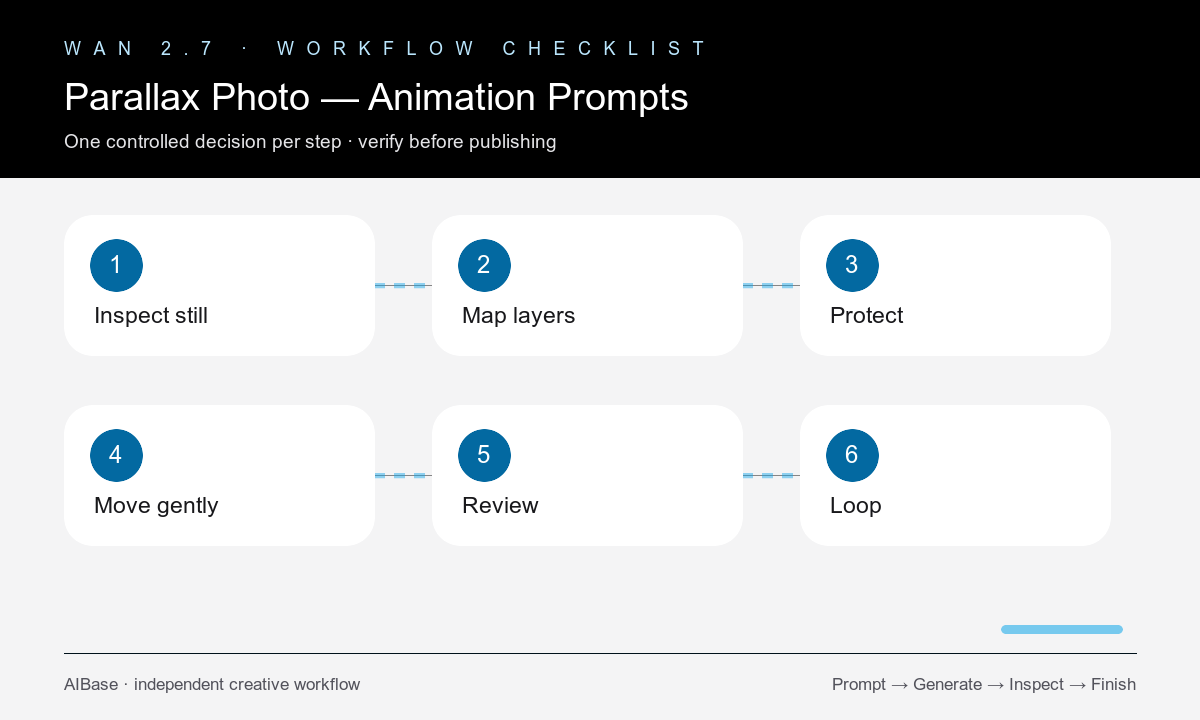
- Choose a sharp authorized image with clear foreground, middle subject, and background separation plus safe room near the frame edges.
- Write a simple depth map and mark protected regions such as faces, products, typography, architecture, horizon, hands, and thin structures.
- Pick one low-amplitude camera move that the visible depth can support without requiring a large reveal outside the source frame.
- Generate a short draft, then inspect occlusion boundaries, newly exposed pixels, edge stretching, subject drift, and background breathing frame by frame.
- If needed, reduce motion before changing the scene; a smaller move usually improves realism more than a longer negative prompt.
- Trim or ease the accepted clip, add typography and audio in post, and test the first and last frames if the placement requires a loop.
Example prompt variants
- Five-second 9:16 mountain overlook still, foreground grass, hiker on middle plane, valley and ridges behind; very slow push-in, stable person and horizon, no moving landscape or new sky.
- Six-second square product still, blurred leaves foreground, approved bottle center, studio backdrop behind; tiny lateral drift, preserve exact bottle, label zone, reflections, and surface contact.
- Five-second 16:9 historic building photograph, gate foreground, facade middle plane, sky background; restrained pull-back, straight lines and signage unchanged, no invented side architecture.
Quality checklist
- Foreground, subject plane, and background separate in a believable order without cutout-like sliding.
- Protected faces, products, typography, architecture, horizon, hands, and thin edges remain stable.
- Newly exposed areas contain plausible continuation with no smears, holes, repeated textures, or stretched borders.
- Occlusion, perspective, light, weather, reflections, and static objects remain coherent throughout the move.
- Motion is subtle enough to support the placement and the first and last frames work for the intended edit or loop.
Mistakes to avoid
- Requesting an orbit, long dolly, or dramatic reveal from a flat image with no information outside the frame.
- Failing to name thin foreground objects and protected typography before adding lateral motion.
- Confusing parallax with animating every object, cloud, plant, reflection, and subject at once.
- Trying to hide edge failures with speed ramps instead of reducing motion or choosing a better source.
Related AIBase pages
- Open Wan 2.7
- Follow the Wan 2.7 image-to-video workflow
- Build seamless loop prompts
- Create vertical social video prompts
Practical next step
Open the most relevant AIBase generator, run one narrow prompt first, and save the best result before adding more constraints. The fastest way to improve output quality is to compare one variable at a time: subject, camera, background, lighting, then final polish.